Malaysia
mymagnum — Slots, Live Tables and Sportsbook in One Place
Live baccarat from Evolution, fan-favourite slots like Gates of Olympus and Mahjong Ways, plus Football Sportsbook covering the English Premier League — all accessible from your phone with a Touch 'n Go eWallet, Boost or GrabPay account.
Touch 'n Go eWalletBoostGrabPayDuitNow
21+
SSL
Touch 'n Go eWallet, Boost, GrabPay
Access may be available only where local law permits.
Live
Touch 'n Go eWallet, Boost, GrabPay
Access
Mobile firstService
Eligible regionsBonus
mymagnum · Malaysia
Games
1
Malaysia payment context
Touch 'n Go eWallet, Boost, GrabPay
App
Access
Service availability depends on eligible regions and local law. Users should check local rules before opening an account.
Sections
LIVE CASINO TABLES
Live Dealer Tables Worth Coming Back To
Kopitiam Luck Slots
Teh Tarik Spins

Nasi Lemak Fortune
SLOTS AND CRASH GAMES
Slots, Crash Games and Prize-Style Features
From Pragmatic Play's Sweet Bonanza and Gates of Olympus to our own Moon Kite Slots, Fisherman Boat Slots and Penang Hill Slots, the slot section covers everything from classic reels to high-cap feature rooms. Lightning Crash Game sits alongside these for players who prefer a multiplier-style round.
Teh Tarik Spins
Nasi Lemak Fortune
Durian King Slots
FOOTBALL AND SPORTSBOOK
Football Sportsbook — EPL, Liga Super and More
Football is the main draw in our sportsbook. We cover English Premier League and Malaysia Super League matches through our Football Sportsbook, with badminton markets also available. Scroll the event list, pick your market and settle the stake from your account wallet — no separate app needed.
 Hot
Nasi Lemak Fortune
 Hot
Durian King Slots
Slots Nasi Lemak Fortune
Slots Durian King Slots
Live Nasi Lemak Fortune
Live Durian King Slots
Top Nasi Lemak Fortune
Top Durian King Slots
Fish Nasi Lemak Fortune
Fish Durian King Slots
TABLE GAMES CORNER
Table Games Beyond Baccarat
If you want more than baccarat, our table section includes roulette variants, blackjack rooms and Sic Bo. PG Soft and Pragmatic Play power several of the RNG table options here. RTP figures are shown where the studio or game exposes them — check the individual game card inside the lobby for details.
Rendang Gold Slots
FISHING AND ARCADE
Fishing Rooms and Arcade-Style Rounds
Fishing rooms give you a different kind of round — you aim, fire and score based on what you catch, with multipliers attached to different targets. These sit in our arcade section alongside crash-style titles. Players in Kuching and Kota Kinabalu reach the lobby in seconds on any mobile browser, no download needed.

Guide
Rendang Gold Slots

Lobby
Gold Roulette
ACCOUNT AND WALLET
How Your Account Wallet Works at mymagnum
Your account wallet holds your balance across all sections — slots, live tables and sportsbook share the same pot, so switching between them costs you nothing extra. Deposits via Touch 'n Go eWallet or Boost appear in your wallet once the transfer confirms on your e-wallet app side; there is no manual top-up step after that.
Single Wallet Balance
One wallet covers live casino, slots and sportsbook. No separate section balances to manage — your RM balance is visible at the top of every page inside the lobby.
Touch 'n Go eWallet Deposits
Open your TNG eWallet app, transfer to the account number shown at checkout, confirm with your PIN. The balance reflects once the eWallet side confirms — typically within the same session.
Boost and GrabPay Options
Boost and GrabPay work the same way — select your method at the deposit screen, complete the transfer in your chosen app, and the amount lands in your mymagnum wallet without a separate confirmation step.
Withdrawal Verification
Withdrawals go back to the same e-wallet or bank account you deposited from. Account verification — name match between your mymagnum profile and your registered payment method — is required before the first withdrawal is processed.
MOBILE ACCESS
The Lobby Runs on Any Phone You Already Own
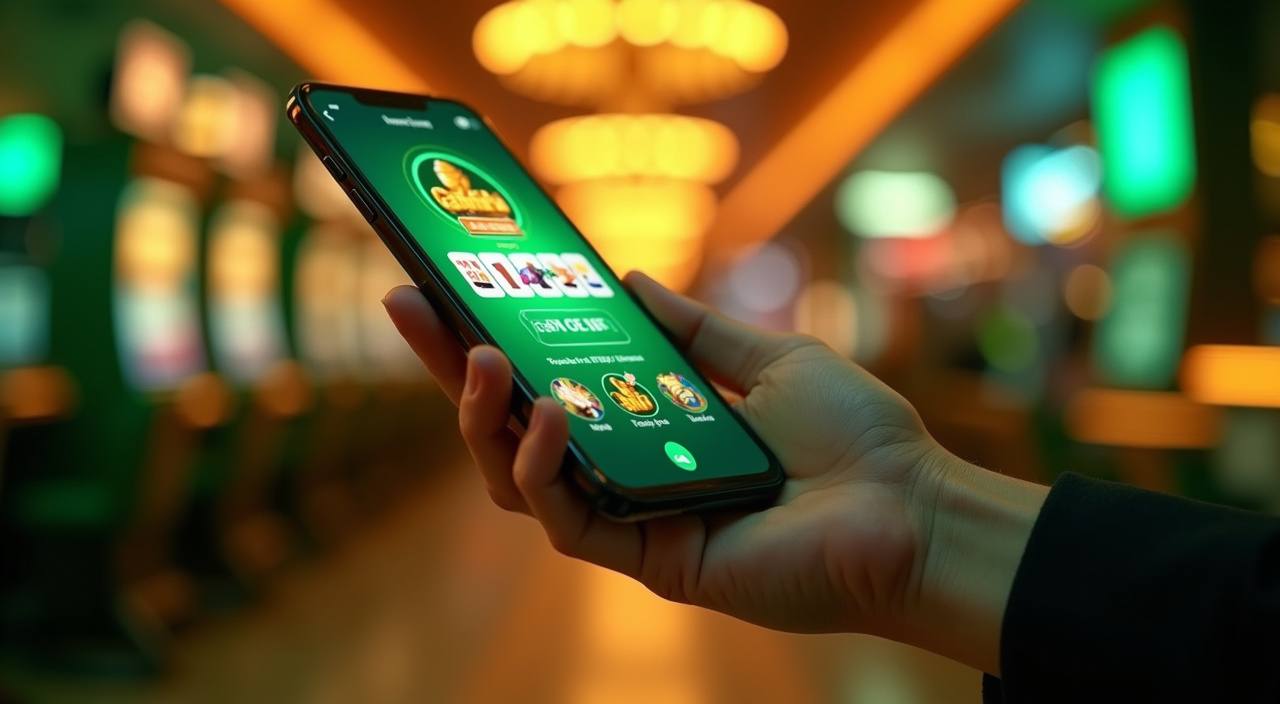
mymagnum is built mobile-first — the lobby, live tables and account settings all fit a phone screen without a pinch or a scroll hunt. No app download is required; open your browser, go to mymagnum and the full lobby loads. For live tables, a stable 4G connection is enough to keep the video feed clean.
Browser-Based, No Download
The full lobby — including live dealer tables and crash games — runs in your phone's browser. Android and iOS both work; no store download or install permission is needed.
Stable Live Stream on 4G
Live baccarat and roulette streams from Evolution and Pragmatic Play Live are optimised for mobile bandwidth. A steady 4G connection keeps the feed running without buffering interruptions during a round.
Account Settings on Mobile
Change your password, update your payment details or request a withdrawal — all account functions are accessible from the mobile lobby without switching to a desktop view.
Quick Login via OTP
Login uses a one-time password sent to your registered number. Enter the OTP, and you land directly in the lobby. No saved-password dependency — just your registered number and the code.
Platform at a glance
Game providers
Pragmatic Play, Evolution, CQ9, PG Soft
Game categories
Live Casino, Slots, Sportsbook, Table Games
Accepted currency
MYR
Payment methods
Touch 'n Go eWallet, Boost, GrabPay, DuitNow, FPX, Maybank2u
Mobile access
Phone, tablet and desktop browser
Customer support
Live chat and email
Interface language
English
SUPPORT AND SECURITY
Getting Help and Keeping Your Account Secure
Live chat is the fastest route to our support team — the chat icon sits at the bottom of every page. For account issues that need document verification, email support is available as a backup channel. On the security side, accounts are protected by OTP login and SSL encryption; we recommend using a unique password and never sharing your OTP with anyone.
Live Chat Support
The live chat button is on every page in the lobby. Use it for deposit questions, account access issues or anything that needs a quick answer. Response times vary by queue but chat is the fastest channel we have.
Email for Account Issues
For issues requiring document uploads — such as identity checks or payment verification — email support handles these. Include your registered account number and a clear description to keep the back-and-forth short.
OTP Login Protection
Every login triggers an OTP to your registered mobile number. This means even if your password is compromised, access to your account is blocked without the code. Never share your OTP with anyone, including support staff.
SSL Account Encryption
All data between your browser and our servers travels over SSL encryption. This covers your account details, deposit requests and withdrawal instructions — the padlock in your browser confirms the connection is secure.
LOCAL PAYMENT METHODS
Pay with the e-Wallets Already on Your Phone
We support the payment methods most Malaysia players already use daily — Touch 'n Go eWallet, Boost, GrabPay, DuitNow and FPX online banking via Maybank2u or CIMB Clicks. Select your method at the deposit screen, complete the transfer in your app, and your account wallet updates once the payment confirms. Withdrawals reverse the same path, returning funds to your linked e-wallet or bank account after verification. Access and availability depend on your region and local law.
Touch 'n Go eWallet
Transfer from your TNG eWallet to the account number shown at checkout. Confirm with your in-app PIN. Balance appears in your mymagnum wallet once TNG confirms the transfer on their end.
Boost
Select Boost at the deposit screen, open your Boost app and approve the transfer. No extra confirmation step is needed on the mymagnum side — the wallet updates automatically after Boost confirms.
GrabPay
GrabPay works directly from your Grab app. Pick GrabPay at the deposit prompt, approve the amount in Grab and the funds move to your account wallet. The same method is available for withdrawal requests.
DuitNow & FPX
Prefer online banking? DuitNow transfers and FPX via Maybank2u or CIMB Clicks are supported. Select FPX at the deposit screen, choose your bank, and complete the transfer through your bank's own secure login.
What People Ask Before Opening an Account
A few questions we hear often — answers based on how the lobby actually works, not generic platform copy. If something here doesn't cover your situation, live chat is the fastest way to get a specific answer.
Go to the deposit screen in your account, select Touch 'n Go eWallet, copy the account number shown, open your TNG app and send the amount. Your wallet balance updates once TNG confirms the transfer on their side.
Yes — you can use multiple payment methods on one account. Each method must pass the name-match check against your registered profile before the first withdrawal to that method is processed.
No download is needed. Open mymagnum in any mobile browser on Android or iOS and the full lobby — including live tables and slots — loads directly. An app version may be available; check the lobby for current options.
RTP figures are shown only where the game provider or studio exposes them. Check the individual game card inside the lobby — studios like Pragmatic Play and PG Soft publish RTP on some titles; others do not display it publicly.
We match the name on your mymagnum account against your registered payment method — e-wallet or bank account. If they match, the withdrawal is processed. Mismatches trigger a document check via email support.
Yes — the Football Sportsbook, including English Premier League and Malaysia Super League markets, is fully accessible from your phone browser. Select the sportsbook tab in the lobby, browse events and place your stake from your account wallet.
Access depends on local law and is available where local law permits. If you can reach mymagnum and complete registration, your region is currently supported. For specific eligibility questions, contact live chat.